Ansys Fluent
Highlighting Selected Boundary Zones in Ansys Fluent
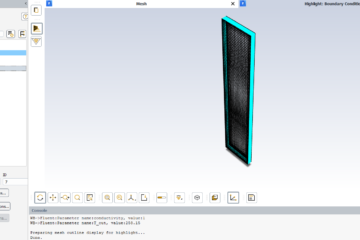
Highlight Zone in Ansys Fluent In this tutorial, we are going to describe how you can highlight a selected boundary of a model that is displayed in the graphics window. First of all, note that this is only applicable to 3D cases and is available only on the Boundary Conditions task page. To start, just double click on the boundary condition. You can see the boundary condition task page. At the bottom of this page, Read more…